
GPT Image 2.6: Generate Images, GIFs and SVGs with AI
Explore GPT Image 2.6, OpenAI's latest AI image model for generating high-quality images, animated GIFs, and scalable SVG graphics.
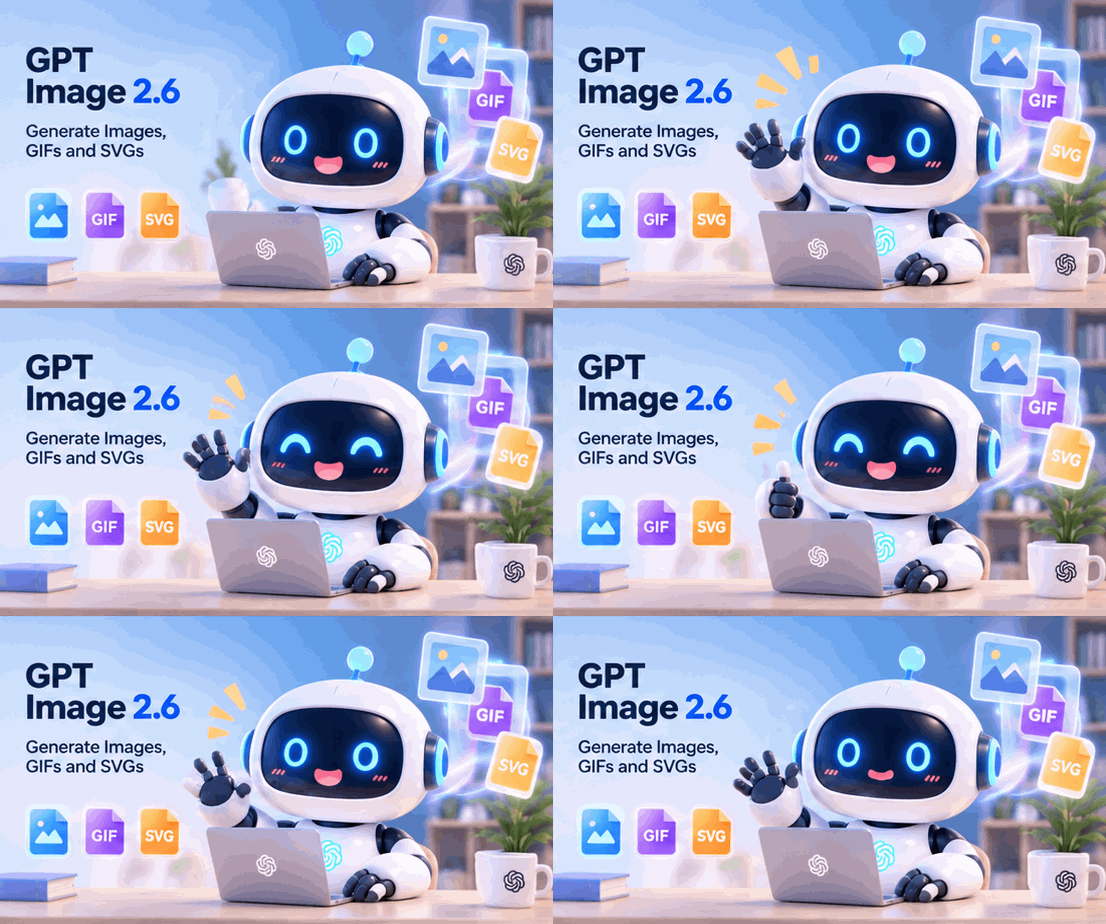
Table of Contents
AI image generation is evolving beyond static pictures. With the release of GPT Image 2.6, creating visual content becomes more flexible, allowing users and developers to generate high-quality images, animated GIFs, and scalable SVG graphics with AI.
Whether you are a designer creating marketing materials, a content creator making social media visuals, or a developer building graphics for a website, GPT Image 2.6 introduces several useful capabilities worth exploring.
In this guide, we'll look at what's new in GPT Image 2.6, how its image generation and editing features work, and how you can use it to create images, GIFs, and SVG files.
What Is GPT Image 2.6?
GPT Image 2.6 is OpenAI's latest image generation model, introduced on November 4, 2026. It is designed to generate and edit images faster while providing greater control over visual details and creative workflows.
One of its biggest improvements is the ability to create animated GIFs and export SVG graphics through the Image API.
Compared with traditional AI image generators that primarily focus on static images, GPT Image 2.6 supports a broader range of creative tasks.
Its main capabilities include:
- AI Image Generation: Create images from natural language prompts.
- Image Editing: Modify existing images while preserving important visual details.
- GIF Generation: Turn creative ideas into short animated loops.
- SVG Export: Generate scalable vector graphics for websites, apps, and print.
- Improved Consistency: Maintain character, product, and brand details across editing rounds.
- Faster Generation: Generate images up to 50% faster than before.
These improvements make GPT Image 2.6 useful for both everyday creative projects and professional visual production.
1. Generate High-Quality Images from Text Prompts
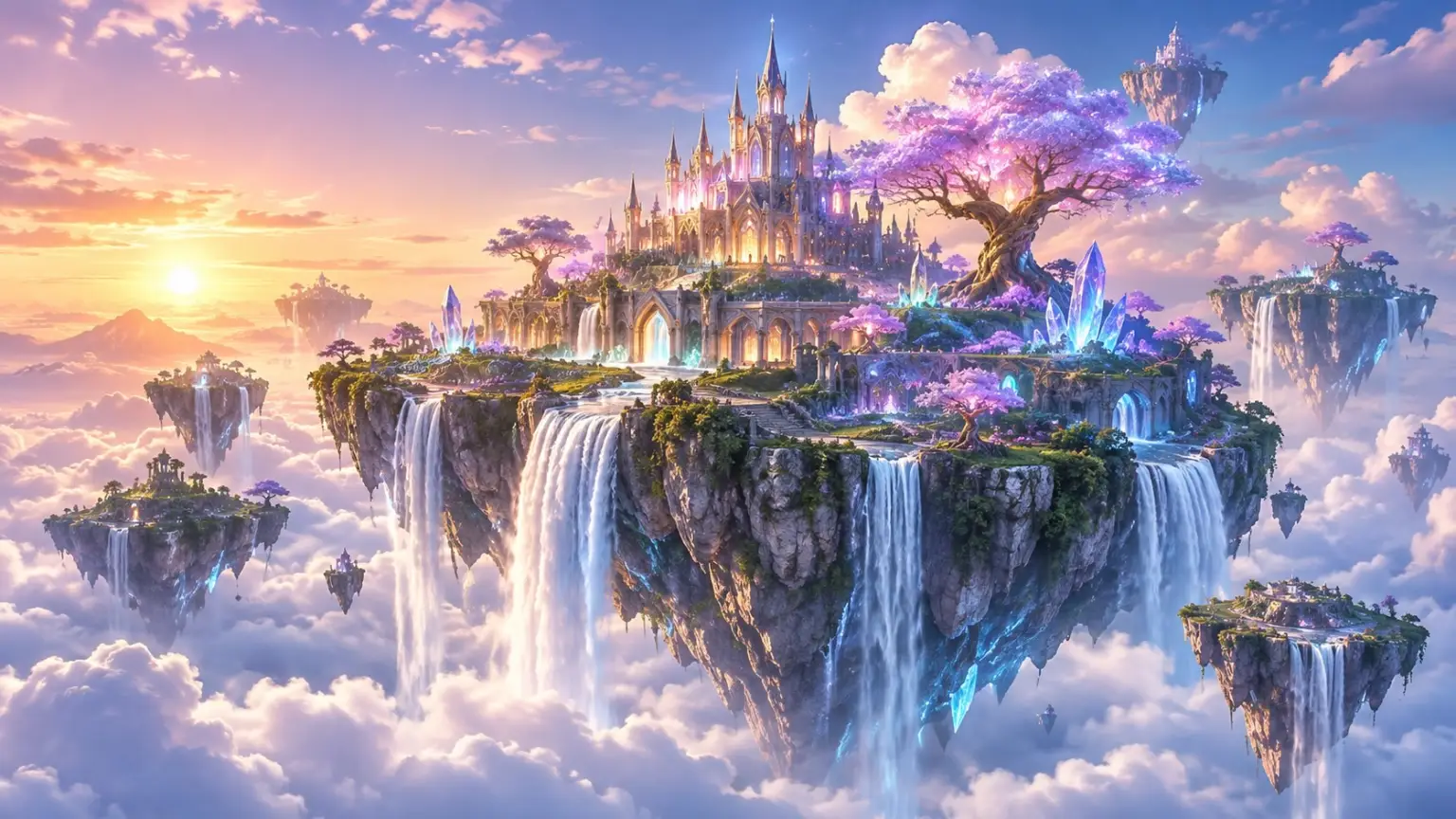
The most familiar feature of GPT Image 2.6 is text-to-image generation.
Instead of manually designing an image or searching through stock photo libraries, you can simply describe what you want and let AI turn your idea into a visual.
For example, you could try prompts like:
Product Photography
"Create a premium product photograph of a minimalist glass perfume bottle on a white marble surface. Soft natural lighting, elegant shadows, luxury commercial photography, clean composition."
Fantasy Artwork
"A magical floating island above the clouds, surrounded by waterfalls and glowing crystal trees. Dreamlike atmosphere, cinematic lighting, highly detailed fantasy concept art."
Social Media Graphics
"Create a modern Instagram promotional poster for a coffee shop, featuring a cup of iced latte, warm brown colors, minimalist typography, and a stylish editorial layout."
GPT Image 2.6 is also designed to improve layout quality and preserve important details when refining generated visuals.
This makes it useful for creating blog illustrations, advertisements, product images, posters, and social media content.
2. Create Animated GIFs with AI
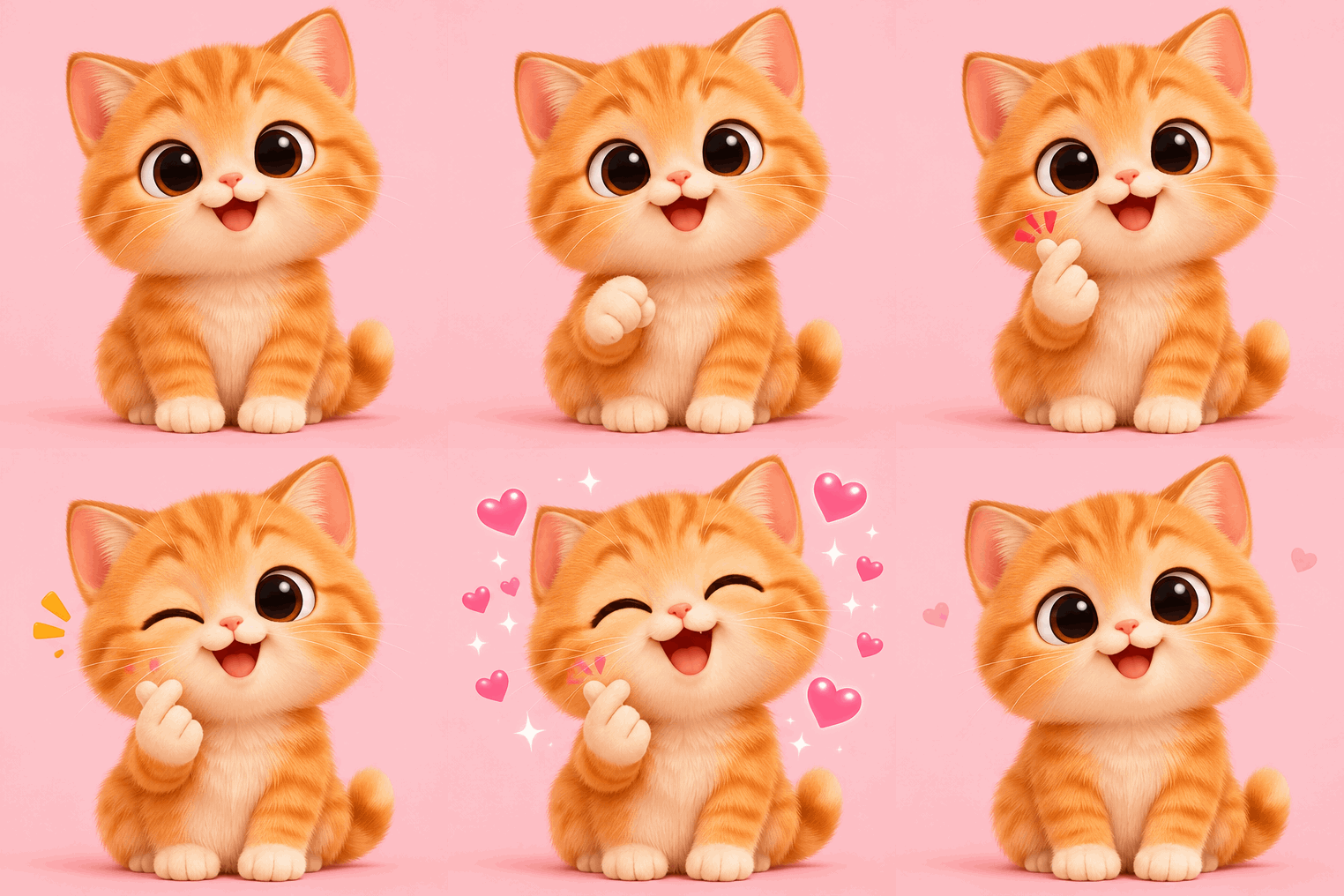
One of the most interesting additions in GPT Image 2.6 is native animated GIF generation.
Previously, creating a GIF often required generating multiple images, arranging them into frames, and using a separate GIF maker to combine everything into an animation.
With GPT Image 2.6, you can describe the animation you want and generate a GIF directly through supported image-generation workflows.
Here are some creative ideas:
Funny Reaction GIFs
"An adorable orange kitten raises one paw, winks at the camera, and gives a sweet smile. Tiny sparkling hearts appear around it. Cute 3D animation, seamless looping GIF."
Animated Brand Mascots
"A friendly little robot mascot waves its hand, blinks its eyes, and smiles at the viewer. Keep the background and character design consistent. Smooth seamless loop."
Product Animation
"A minimalist wireless earbud case slowly opens, the earbuds rise slightly, and the case closes again. Clean studio background, smooth product animation, seamless loop."
Cozy Animated Scenes
"A miniature coffee shop inside a tiny wooden house. Warm lights glow through the windows, steam gently rises from a coffee cup, and tiny plants sway in the breeze."
GIF generation is particularly useful for:
- Social media reactions and memes
- Website animations
- Marketing campaigns
- Animated product previews
- Brand mascots
- Blog illustrations
A useful tip: Keep your animation prompt focused on one main movement. A fixed camera, consistent character design, and a clearly described looping action can help produce better results.
3. Generate SVG Graphics with AI
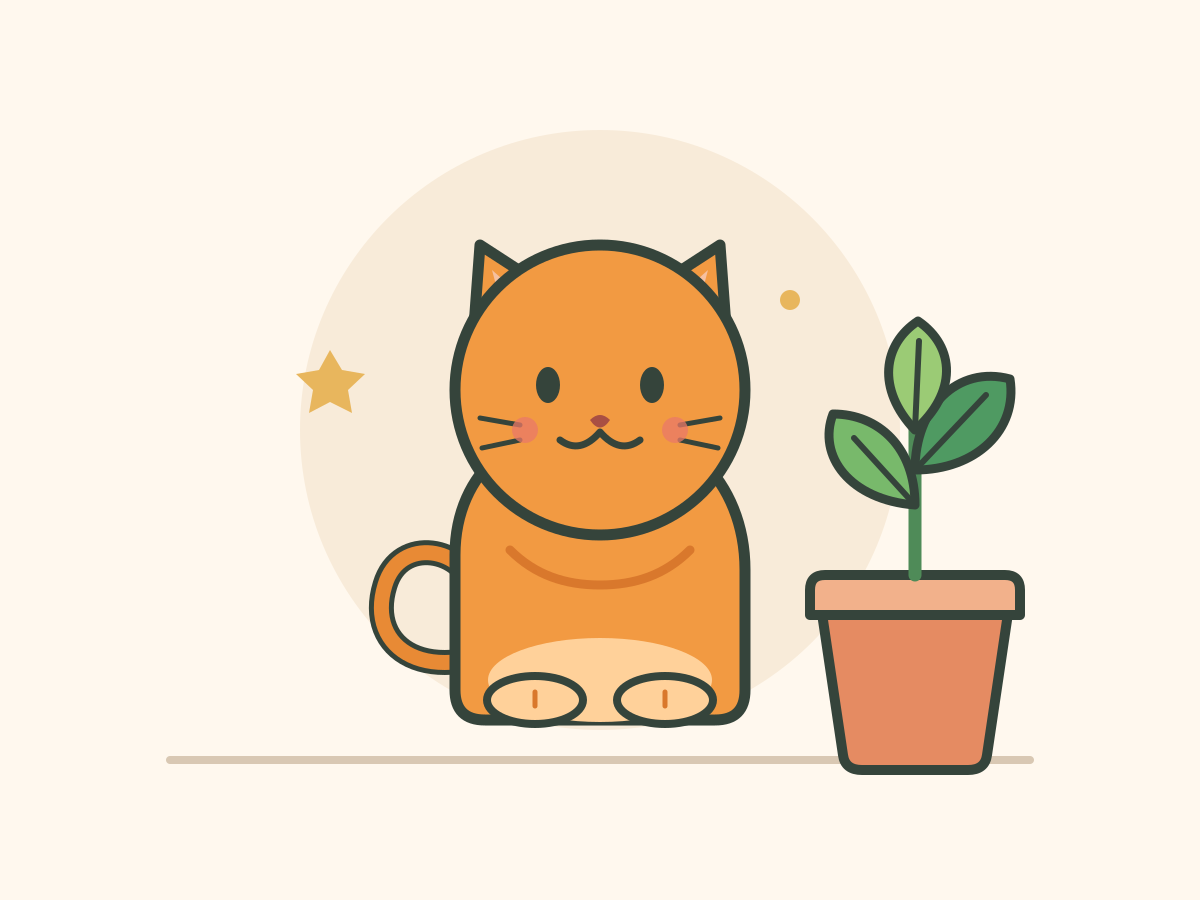
Another important addition is SVG output through the GPT Image 2.6 API.
SVG stands for Scalable Vector Graphics. Unlike regular raster images such as PNG and JPEG, SVG graphics are based on vector shapes and paths.
This means they can be scaled to different sizes without losing sharpness.
For example, SVG is especially useful for:
- Website icons
- Logo concepts
- UI illustrations
- Simple diagrams
- Decorative graphics
- Scalable web assets
You can describe the graphic you need in natural language.
Example SVG Prompt:
"Create a minimalist vector illustration of a small orange cat sitting beside a green plant. Use simple geometric shapes, clean outlines, a limited color palette, and a modern flat design style. Export as SVG."
SVG output is particularly useful for developers and designers who need scalable graphics for websites and applications.
One important distinction: SVG output is currently documented for the API workflow, so it should not be confused with the regular image-generation experience in ChatGPT.
4. GPT Image 2.6 Flare vs. Sunburst
GPT Image 2.6 introduces two model variants for different creative workflows: Flare and Sunburst.
| Feature | Flare | Sunburst |
|---|---|---|
| Main focus | Faster generation | Detailed visual work |
| Speed | Optimized for speed | More focused on quality |
| Best for | Quick drafts and iterations | Complex compositions |
| Editing | Fast adjustments | Greater detail and consistency |
GPT Image 2.6 Flare
Flare is designed for faster image generation and creative experimentation. It is a good starting point when you want to test different concepts, explore visual directions, or create drafts quickly.
GPT Image 2.6 Sunburst
Sunburst is designed for more detailed visual work. It is suitable for complex compositions, professional graphics, and editing tasks where preserving important details matters.
Both models support image generation, GIF output, and SVG output through the API.
5. How to Get Better Results with GPT Image 2.6
Even with a powerful AI image model, the quality of your prompt still matters.
Here are a few practical tips:
Be Specific About the Subject
Instead of writing "a beautiful landscape," describe the location, weather, lighting, and visual style.
Describe the Composition
Mention whether you want a close-up, wide-angle shot, centered subject, or minimalist layout.
Specify the Visual Style
Try terms such as 3D render, watercolor, cinematic photography, flat illustration, or minimalist vector design.
Keep GIF Animations Simple
For animated GIFs, focus on one clear action. Avoid describing too many simultaneous movements.
Use Editing Instructions
When refining an image, explain exactly which elements should change and which details should remain untouched.
For example:
"Change the background to a warm sunset sky, but keep the character's face, clothing, pose, and proportions exactly the same."
These techniques can help you get more predictable results and reduce unnecessary editing rounds.
6. Who Should Use GPT Image 2.6?
GPT Image 2.6 is useful for different types of creators and professionals.
| User Type | Potential Use Cases |
|---|---|
| Designers | Posters, illustrations, and visual concepts |
| Content Creators | Social media graphics and GIFs |
| Developers | SVG icons and website graphics |
| Marketers | Product images and promotional visuals |
| Bloggers | Blog covers and article illustrations |
| Small Businesses | Branding and advertising materials |
Its combination of image generation, editing, animation, and vector output makes it a versatile tool for creative workflows.
Final Thoughts
GPT Image 2.6 represents an interesting step forward in AI-powered visual creation.
Instead of focusing only on static image generation, it brings together image creation, image editing, animated GIFs, and SVG output in a broader creative workflow.
For content creators, GIF generation opens up new possibilities for social media and marketing. For designers and developers, SVG output offers another way to create scalable visual assets.
If you are exploring AI image generators or looking for new ways to create visual content, GPT Image 2.6 is definitely worth checking out.
Looking for more AI creative tools? Explore Ufindly to discover AI image generators, video tools, design applications, and other useful products for your next creative project.
Official Resources: