Promotional spot · Feature your product at the top bar.Get spotlight

Atomic Chat

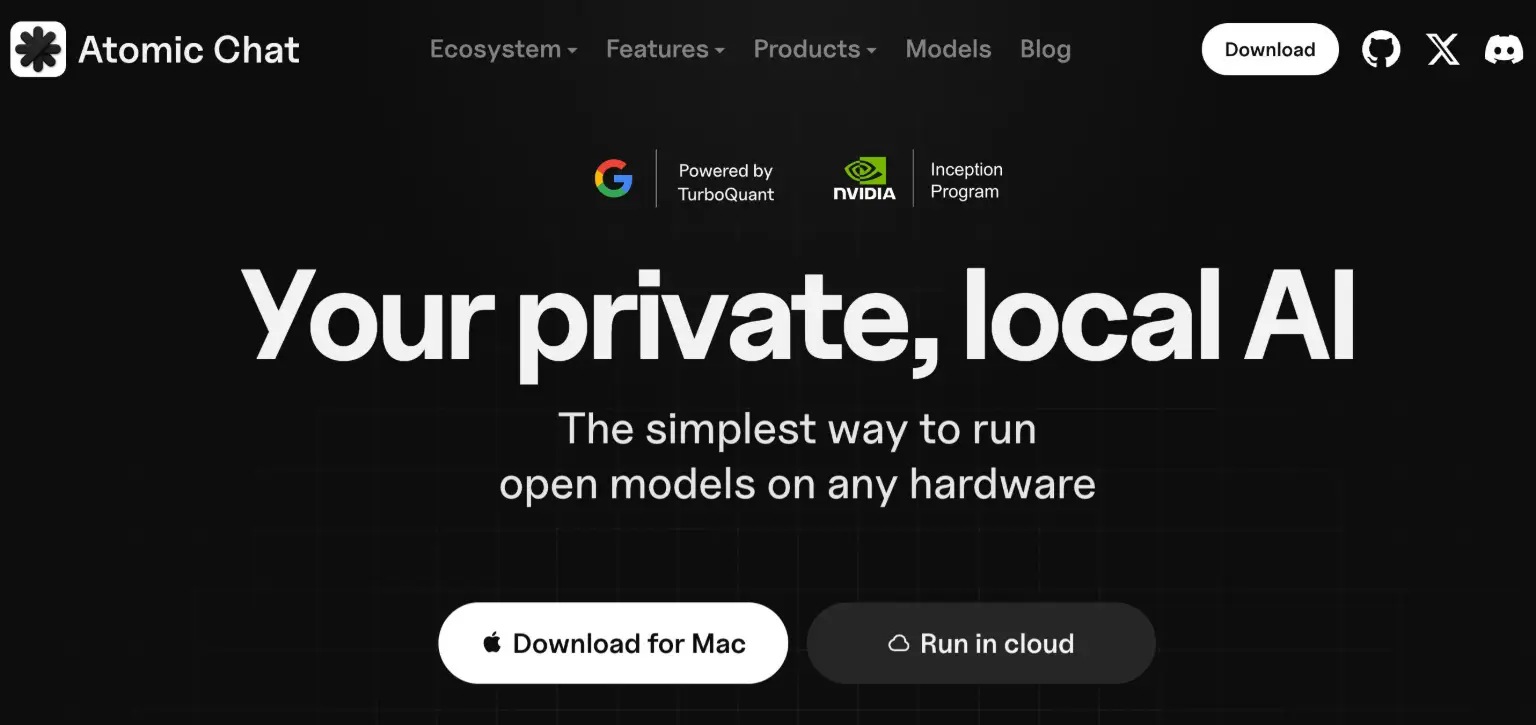
Atomic Chat is a free desktop and mobile app for running open-source AI models locally, with agent workflows and one-click model downloads.

Overview

Atomic Chat is a free local AI chat application for Mac, Windows, Linux, iOS, and Android that lets you run open models directly on your own hardware. Instead of relying on a hosted chatbot, you pick a model, download it, and start chatting, with no subscription and no rate limits on messages. The app is built for people who want capable AI chat and agent workflows running on the machine in front of them.

Key Features

  • Local model library: Browse and download from 1,000+ models including Qwen, DeepSeek, Kimi, Llama, MiniMax, and Gemma, sourced from Hugging Face with one-click downloads. GGUF, MLX, and ONNX formats are supported.
  • One-click agents: Get running with agents such as Hermes, OpenClaw, and Cline in minutes, powered by Atomic Chat models. Agents can think, act, and execute on your machine.
  • TurboQuant inference: A built-in quantization approach that the site reports computes attention up to 8× faster than standard 32-bit models on H100 GPUs, compresses the KV cache by at least 6×, and works at 3-bit compression with no retraining or fine-tuning.
  • Organized chats and projects: Keep conversations and projects cleanly separated, with persistent memory across sessions so you can switch contexts without losing your place.
  • Open-source codebase: Every line of code can be inspected, so you can see exactly what the app is doing.
  • Cross-platform availability: Desktop downloads for macOS (Intel and Apple Silicon, 13.6+), Windows (x64 and ARM64), and Linux (x86_64), plus mobile apps on the App Store and Google Play. A terminal install and cloud option are also offered.

Typical Use Cases

  • Running open models on your own hardware: Download a model such as Llama or Gemma and chat with it on a laptop or desktop without setting up a separate inference stack.
  • Experimenting with autonomous agents: Launch agents like Cline or OpenClaw locally to explore agentic workflows that think, act, and execute on your machine.
  • Working across multiple projects: Use Chats and Projects with persistent memory to keep separate conversations organized and return to earlier context.
  • Long-context conversations: Thanks to TurboQuant's compressed KV cache and longer context windows, run larger models smoothly for extended exchanges.

How It Works

  1. Download and install Atomic Chat for your platform, or install it from the terminal.
  2. Pick a model from the built-in library and download it with one click.
  3. Start chatting, or launch an agent to run an autonomous workflow locally.

Who It's For

Atomic Chat suits developers, researchers, and AI enthusiasts who want to run open models and agent workflows on their own machines rather than through a hosted service. Its one-click setup, broad model catalog, and support for GGUF, MLX, and ONNX make it approachable for users who want local inference without building their own tooling.

FAQ

Is Atomic Chat free?

Yes. The site states there is no subscription and no rate limits, and that the app is free to download across desktop and mobile platforms.

Which platforms are supported?

Desktop builds are available for macOS 13.6+ (Intel and Apple Silicon), Windows (x64 and ARM64), and Linux (x86_64), with mobile apps for iOS and Android.

What models can I run?

The library covers 1,000+ models including Qwen, DeepSeek, Kimi, Llama, MiniMax, and Gemma, browsable from Hugging Face, with GGUF, MLX, and ONNX formats supported.

Atomic Chat gives you a straightforward way to run open models and local agents on your own hardware, making it a practical choice for anyone who wants capable AI chat without a subscription.
<<>>

Explore Similar Tools

Gravelhost provides instant-setup game server hosting for Minecraft, Rust, ARK and 52+ titles across 15 global locations with DDoS protection included.

Codehype is a launch platform where founders list their SaaS, AI tools, and startups for free and get discovered across Google, AI search, and LLMs.

Paste two lists or drag in files to instantly see what is unique to each list, what they share, and the combined set.

Upload any photo and let AI transform every face into the viral Kirkify look, then download and share the result in seconds.

Inngest adds durable functions to your existing code so background jobs, event-driven workflows, and AI agents retry, recover, and stay observable without extra infrastructure.

SpriteCook turns text prompts into game-ready pixel art characters, props, tilesets, and animations with consistent style and engine-ready exports.