Promotional spot · Feature your product at the top bar.Get spotlight

AudioAlter

AudioAlter is a collection of browser-based tools for editing audio files, applying effects like reverb and bass boost, and converting formats.

Overview

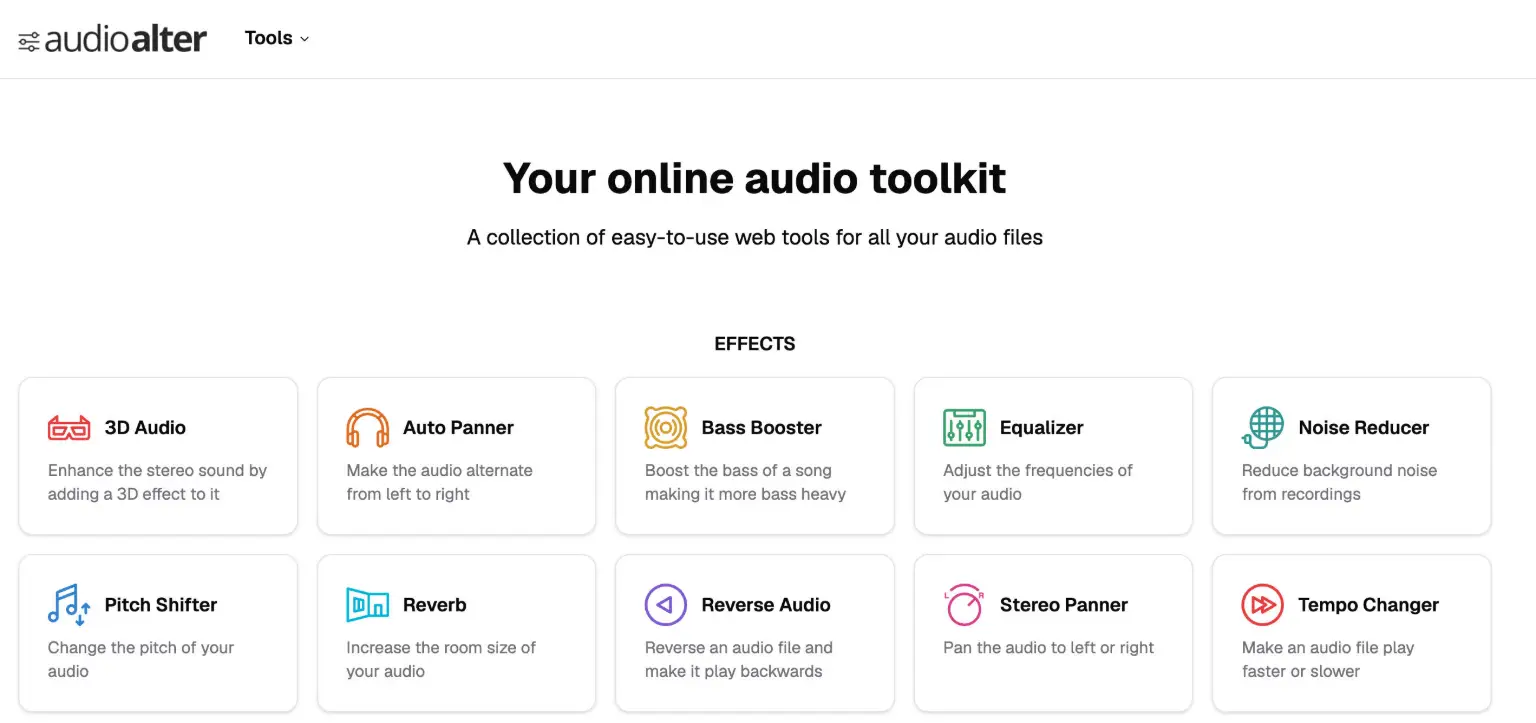
AudioAlter is an online audio toolkit that brings a set of easy-to-use web tools together for working with audio files. Instead of installing separate software for each task, users can apply effects, adjust levels, and convert formats from one collection of tools.

Key Features

  • Effects suite: Apply 3D Audio, Auto Panner, Bass Booster, Equalizer, Noise Reducer, Pitch Shifter, Reverb, Reverse Audio, L R Stereo Panner, Tempo Changer, Trimmer / Cutter, Vocal Remover, and Volume Changer to audio files.
  • Utility tools: Detect a song's BPM, convert audio between file formats, reduce the number of audio channels with the Downmixer, and generate spectrogram or waveform images from an audio file.
  • Presets: One-click starting points such as 8D Audio (an Auto Panner effect combined with reverb), Slowed and Reverb, and a 440 Hz to 432 Hz converter that shifts pitch by about -0.32 semitones.
  • Bass boost levels: Presets ranging from Very Light through Light, Moderate, Heavy, and Extreme intensity.
  • Reverb environments: Presets that replicate spaces including a bathroom, small, medium, and large rooms, a church hall, and a cathedral, plus a Vocal Reverb preset for vocal tracks.

Typical Use Cases

  • Remixing and experimenting: Use the Vocal Remover to strip vocals and leave only the instrumental, or apply the 8D Audio preset to make a song sound like it is moving in circles around the listener's head.
  • Cleaning up recordings: Reduce background noise with the Noise Reducer or trim unwanted sections with the Trimmer / Cutter.
  • Tuning playback and loudness: Slow a track down with the Tempo Changer, adjust pitch, or make audio louder or quieter with the Volume Changer.
  • Preparing files and visuals: Convert audio to another format, or create waveform and spectrogram images from an audio file.

Who It's For

AudioAlter suits anyone who needs quick, focused audio edits without a complex production suite — from casual listeners experimenting with effects like slowed and reverb or 8D Audio to users who need to convert formats, remove noise, or extract visuals from their audio files.

AudioAlter gathers a broad set of audio effects, converters, and presets into one accessible online toolkit for everyday editing tasks.

Explore Similar Tools

Get today's LinkedIn Pinpoint answer with clues, hints, and explanations, plus a searchable archive of past solutions to improve your puzzle skills.

Paste two lists or drag in files to instantly see what is unique to each list, what they share, and the combined set.

Upload any photo and let AI transform every face into the viral Kirkify look, then download and share the result in seconds.

Tabisto turns every Chrome new tab into a calm dashboard for visual bookmarks, notes, reminders, workspaces and saved tab sessions.

An independent 66-question Undertale-inspired quiz that scores seven soul virtues separately and creates a shareable result card.

Rsp Editing publishes trending AI photo and video prompts so you can recreate viral editing styles with your own images and clips.