Promotional spot · Feature your product at the top bar.Get spotlight

Bigjpg

Bigjpg uses deep convolutional neural networks to enlarge images up to 16× while reconstructing lines, colors, and fine details instead of stretching pixels.

Overview

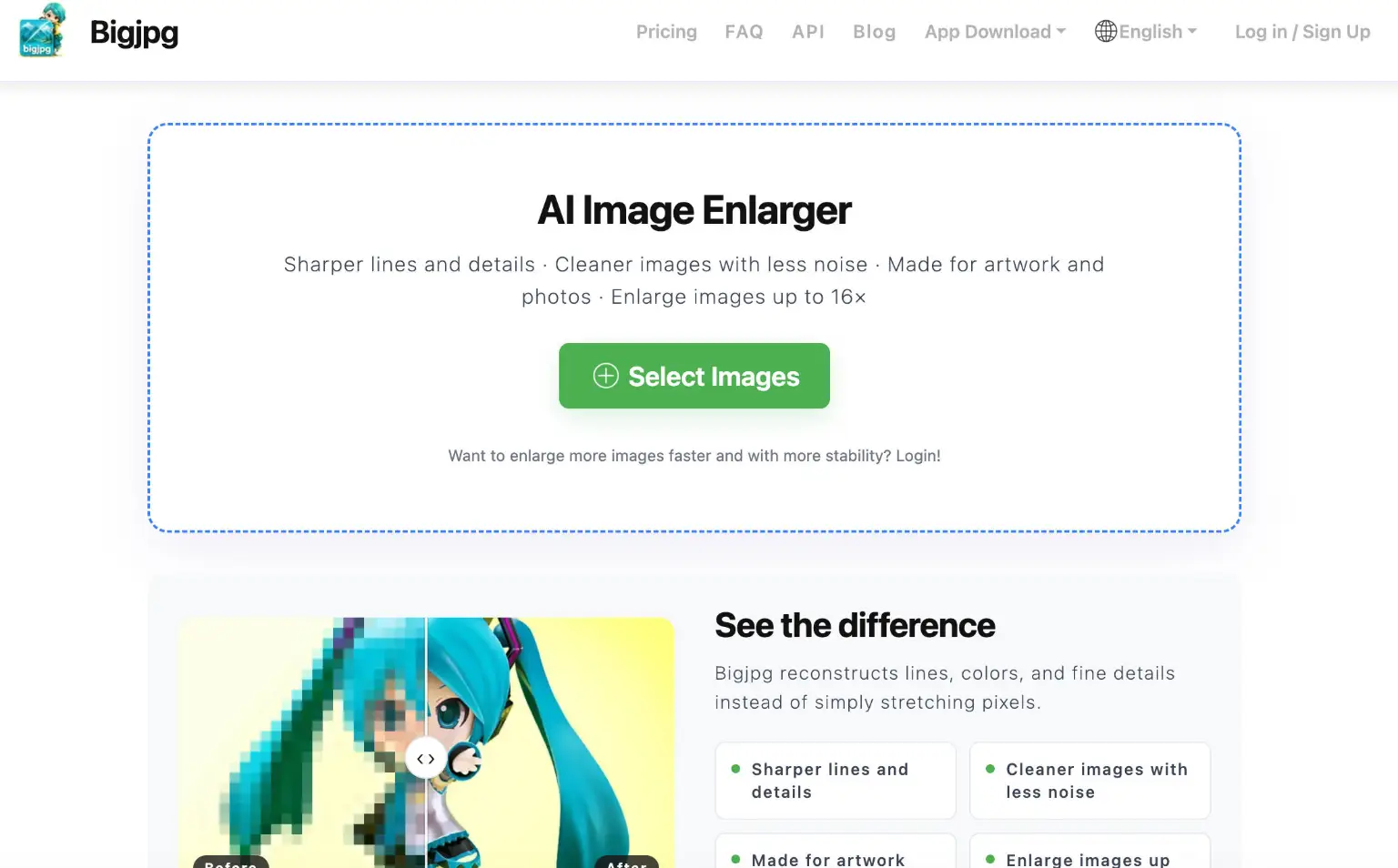
Bigjpg is an AI super-resolution image enlarging and upscaling tool that uses Deep Convolutional Neural Networks to enlarge images losslessly. Rather than simply stretching pixels, it reconstructs lines, colors, and fine details, helping users produce sharper, cleaner images with less noise.

Key Features

  • AI upscaling up to 16×: Enlarge images at 2×, 4×, 8×, or 16× ratios, with 8× and 16× available on upgraded plans.
  • Detail reconstruction: Rebuilds lines, colors, and fine details instead of stretching pixels, targeting sharper lines and cleaner images with less noise.
  • Noise reduction levels: Choose from None, Low, Medium, High, or Highest noise reduction to tune output for different source images.
  • Output format options: Save results in Default, WebP, JPG, or PNG format.
  • Batch and offline enlarging: Paid plans support batch mode, parallel enlarging, and offline enlarging, with a higher-performance server.
  • Upload limits: The free plan accepts images up to 5MB, while paid plans accept files up to 50MB and resolutions up to 3000x3000px.

Typical Use Cases

  • Enlarging artwork and photos: Users can upscale images made for artwork and photos, producing larger versions with reconstructed detail rather than blurry stretched pixels.
  • Preparing low-resolution images for larger display: When an image needs to be shown at a bigger size, the 2×–16× upscaling options let users generate a higher-resolution result in a preferred output format.
  • Processing multiple images at once: On paid plans, batch mode and parallel enlarging let users work through several images more quickly and stably.

How It Works

  1. Select images to upload, within the size and resolution limits of your plan.
  2. Choose the upscaling ratio (2×, 4×, 8×, or 16×), noise reduction level, and output format.
  3. Start the task and let the AI process the image.
  4. Preview the before-and-after result, then download the enlarged image.

Who It's For

Bigjpg suits anyone who needs larger, cleaner versions of images, particularly people working with artwork and photos who want reconstructed detail instead of simple pixel stretching. Users processing occasional single images can start on the free plan, while those needing higher ratios, larger uploads, or batch processing can upgrade.

Bigjpg offers a practical way to upscale images with AI-reconstructed detail, making it most useful for users who regularly enlarge artwork and photos.

Explore Similar Tools

Codehype is a launch platform where founders list their SaaS, AI tools, and startups for free and get discovered across Google, AI search, and LLMs.

Get today's LinkedIn Pinpoint answer with clues, hints, and explanations, plus a searchable archive of past solutions to improve your puzzle skills.

Paste two lists or drag in files to instantly see what is unique to each list, what they share, and the combined set.

Upload any photo and let AI transform every face into the viral Kirkify look, then download and share the result in seconds.

Inngest adds durable functions to your existing code so background jobs, event-driven workflows, and AI agents retry, recover, and stay observable without extra infrastructure.

SpriteCook turns text prompts into game-ready pixel art characters, props, tilesets, and animations with consistent style and engine-ready exports.