Promotional spot · Feature your product at the top bar.Get spotlight

Evernote

Evernote is a note-taking app that lets you capture, organize, and find notes, tasks, and calendar events in one place across devices.

Overview

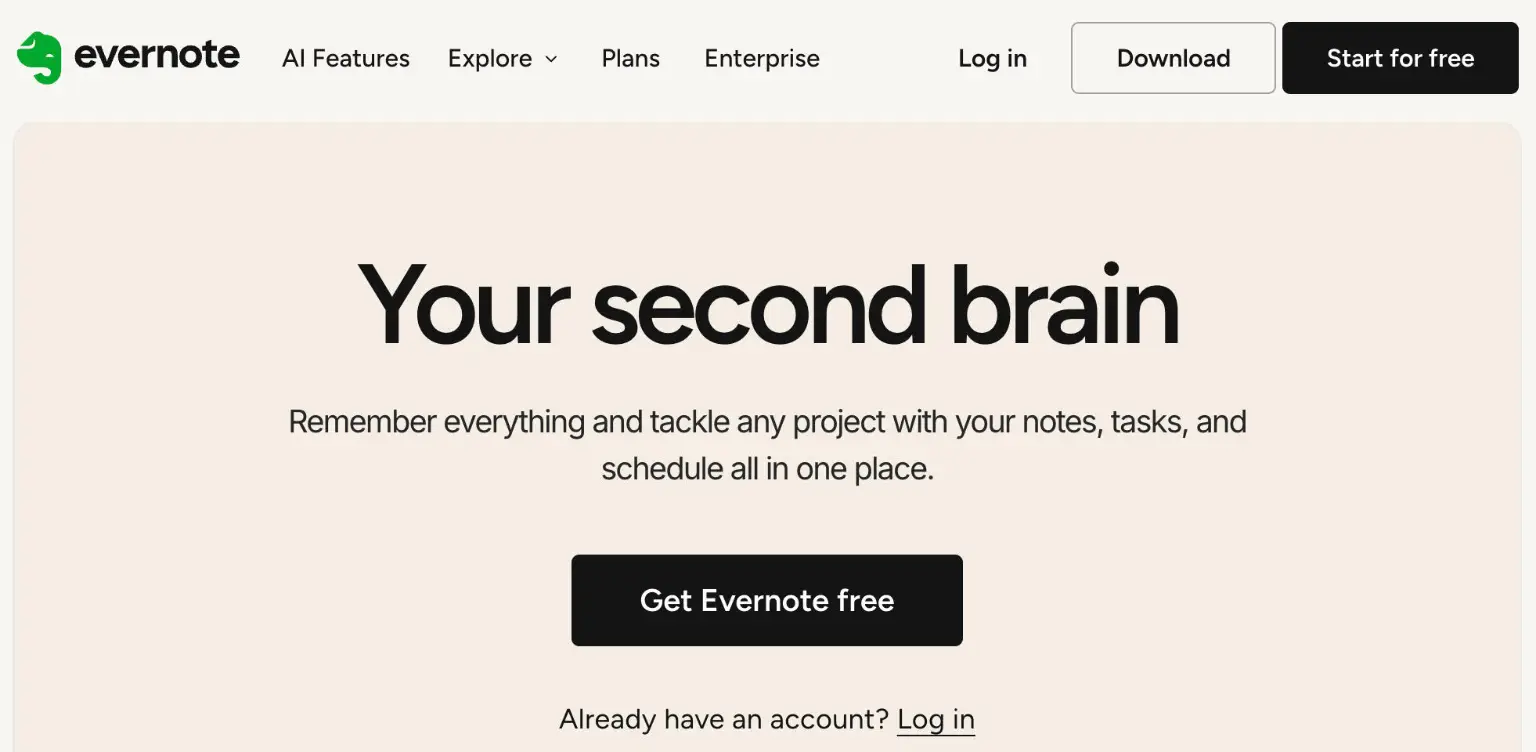
Evernote is a note-taking app designed as a "second brain" where you can remember everything and tackle any project with your notes, tasks, and schedule in one place. It helps you capture ideas and information as they arise and keep them organized so you can find them again when you need them.

Key Features

  • Templates: Get further faster with ready-made note structures for common types of work.
  • Notebooks & Spaces: Organize ideas where they belong using a simple, flexible structure.
  • Search: Find exactly what you're looking for in seconds, surfacing the right note when you need it, synced across your devices.
  • Tasks and Calendar: Stay on top of your to-dos and link calendar events to notes for a seamless workflow.
  • Capture in any form: Record, transcribe, scan, or clip information so all your content is kept in one place.
  • Collaboration: Work together as a team in real time with editing, comments, and task assignment.
  • Web Clipper: Clip what you see online with a click via the Chrome, Firefox, and Safari extension.
  • AI features: Evernote v11 introduces AI features, including standalone tools that build on your notes.

Typical Use Cases

  • Project organization: Group related notes into notebooks and spaces, attach tasks, and link calendar events so a project's notes, to-dos, and schedule stay together.
  • Research and web capture: Clip pages you find online with the Web Clipper and keep them alongside your own notes, then search to retrieve them later.
  • Team work: Edit notes together in real time, leave comments to stay in sync, and assign tasks so work keeps moving.
  • On-the-go note capture: Record, transcribe, or scan information from desktop, mobile, or web and access it across your devices.

How It Works

  1. Capture content by writing notes, recording, transcribing, scanning, or clipping from the web.
  2. Organize notes into notebooks and spaces, optionally starting from a ready-made template.
  3. Add tasks and link calendar events to keep to-dos and schedule connected to your notes.
  4. Search to surface the right note quickly, synced across your devices.
  5. Share notes and collaborate with your team through real-time editing, comments, and task assignment.

Who It's For

Evernote suits individuals and teams who want a single place to capture notes, manage tasks, and connect their schedule. Its flexible notebooks and spaces, cross-device search, and real-time collaboration make it useful for personal organization as well as shared project work.

Evernote gives you one organized home for notes, tasks, and events, making it most valuable for people and teams who need to capture information quickly and find it again.

Explore Similar Tools

Codehype is a launch platform where founders list their SaaS, AI tools, and startups for free and get discovered across Google, AI search, and LLMs.

Paste two lists or drag in files to instantly see what is unique to each list, what they share, and the combined set.

Upload any photo and let AI transform every face into the viral Kirkify look, then download and share the result in seconds.

Inngest adds durable functions to your existing code so background jobs, event-driven workflows, and AI agents retry, recover, and stay observable without extra infrastructure.

SpriteCook turns text prompts into game-ready pixel art characters, props, tilesets, and animations with consistent style and engine-ready exports.

Tabisto turns every Chrome new tab into a calm dashboard for visual bookmarks, notes, reminders, workspaces and saved tab sessions.