Promotional spot · Feature your product at the top bar.Get spotlight

ImgUpscaler

Upscale images online with AI to increase resolution up to 16K, fix pixelated photos, and sharpen details for print, ecommerce, and social media.

Overview

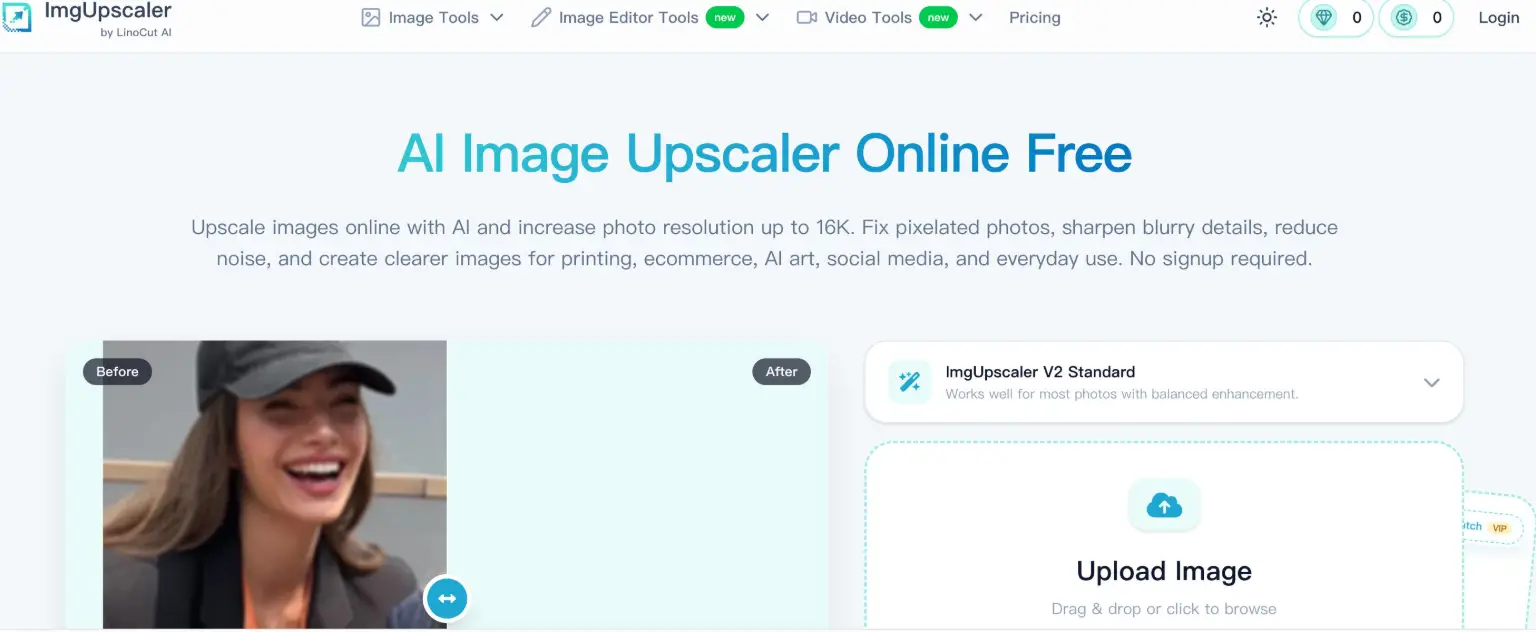
ImgUpscaler is an online AI image upscaler that increases photo resolution while improving edges, textures, and fine details instead of simply stretching pixels. It helps fix pixelated, blurry, or low-resolution images so they look clearer for websites, printing, ecommerce listings, and social media, with no signup required to get started.

Key Features

  • AI upscaling up to 16K: Enlarge photos and graphics and choose an output size such as standard enlargement, HD, 4K, 8K, or 16K depending on how the final image will be used.
  • Pixelation and blur repair: Reduce blocky artifacts and sharpen fuzzy edges in compressed photos, mobile shots, screenshots, and old downloads.
  • Face and detail enhancement: Improve clarity in portraits, hair, eyes, and skin texture while aiming to keep results natural rather than overprocessed.
  • Support for varied image types: Works on photos, logos, product images, graphics, AI art, anime, wallpapers, and text-heavy images like screenshots and scans.
  • Batch processing: Upload and upscale 2–20 images at once through a dedicated batch mode.
  • Flexible formats and devices: Accepts JPG, PNG, WebP, and HEIC inputs with PNG, JPG, or WebP output, and runs in the browser on Windows, Mac, iPhone, Android, tablets, and Chromebooks.

Typical Use Cases

  • Print and large-format output: Prepare small photos for posters, banners, flyers, and framed prints by raising resolution so images stay cleaner at larger sizes.
  • Ecommerce product photos: Make product images clearer for marketplaces, catalogs, and ad creatives so customers can inspect details before buying.
  • AI art and anime: Increase the resolution of small AI-generated artwork, illustrations, and wallpapers for sharing, printing, or large-screen display.
  • Screenshots and scans: Sharpen small text in labels, documents, and interface images to make it easier to read.

How It Works

  1. Upload a JPG, PNG, WebP, or HEIC image from your device; the clearest original file gives the best results.
  2. Select an output size or enhancement level, such as HD, 4K, 8K, or 16K.
  3. Let the AI improve edges, textures, clarity, and resolution while reducing blur, noise, and pixelation.
  4. Review the before-and-after preview and download the higher-resolution result.

Who It's For

ImgUpscaler suits designers, ecommerce sellers, marketers, and anyone working with photos, graphics, or AI-generated visuals who needs larger, clearer images without desktop software. It is also useful for people restoring small or grainy family photos and for preparing visuals for print, presentations, or social platforms.

ImgUpscaler gives everyday users and creative professionals a browser-based way to raise image resolution and sharpen details for print, online stores, and digital sharing.

Explore Similar Tools

Codehype is a launch platform where founders list their SaaS, AI tools, and startups for free and get discovered across Google, AI search, and LLMs.

Get today's LinkedIn Pinpoint answer with clues, hints, and explanations, plus a searchable archive of past solutions to improve your puzzle skills.

Paste two lists or drag in files to instantly see what is unique to each list, what they share, and the combined set.

Upload any photo and let AI transform every face into the viral Kirkify look, then download and share the result in seconds.

Inngest adds durable functions to your existing code so background jobs, event-driven workflows, and AI agents retry, recover, and stay observable without extra infrastructure.

SpriteCook turns text prompts into game-ready pixel art characters, props, tilesets, and animations with consistent style and engine-ready exports.