Promotional spot · Feature your product at the top bar.Get spotlight

Logo Diffusion

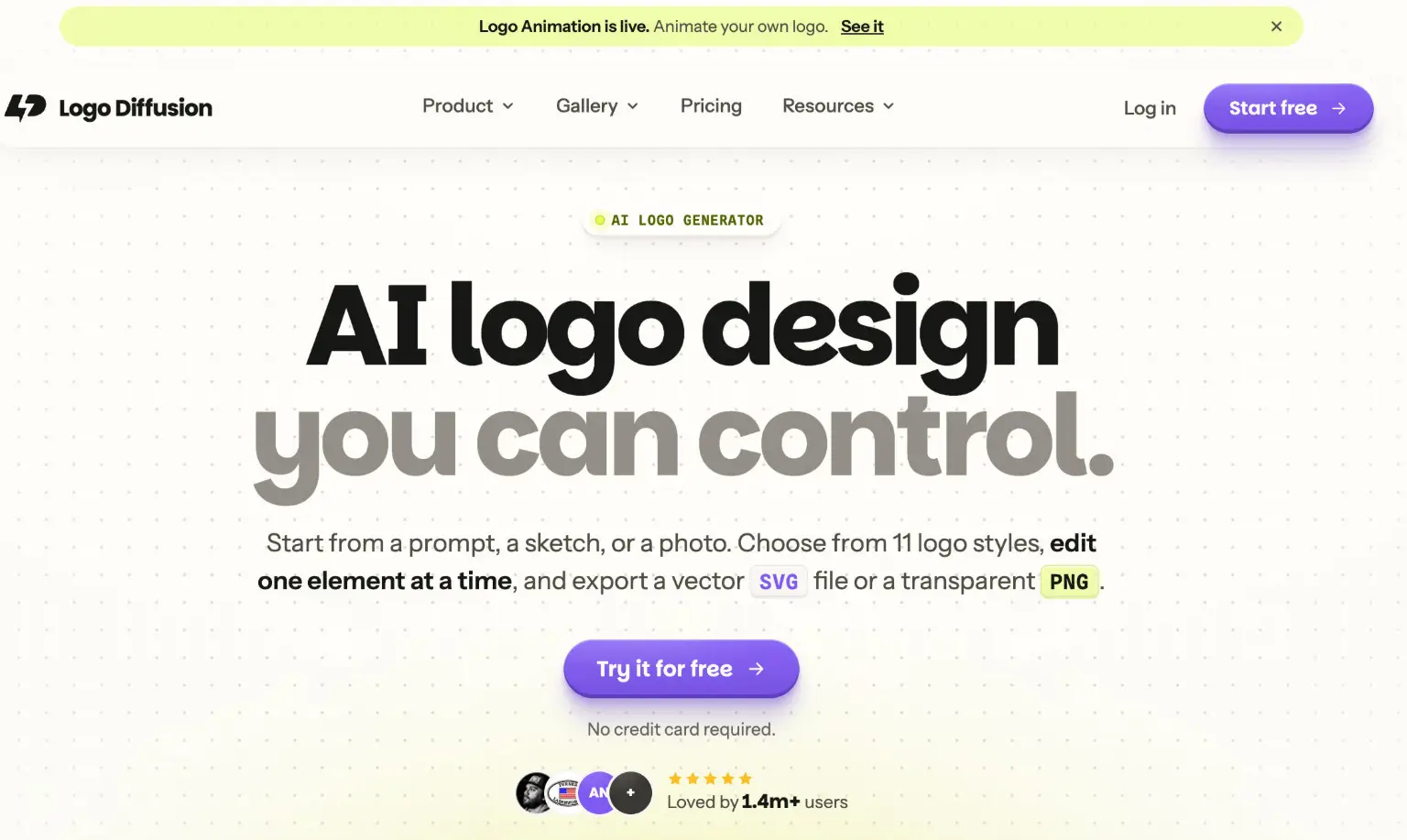
Logo Diffusion is an AI logo generator trained on logos that turns prompts, sketches, or photos into editable designs you can export as SVG or PNG.

Overview

Logo Diffusion is an AI logo generator built on a diffusion model trained specifically on logos rather than general images. Instead of returning an illustration, it produces flat logo shapes that read in one color, can be edited element by element, and export as a vector file. It is aimed at designers and business owners who want to move from an idea to a usable logo file quickly.

Key Features

  • Three starting points: Generate from a text prompt, a sketch drawn on the built-in canvas or uploaded, or a photo. The tool interprets the idea and redraws it as a finished logo rather than tracing the input.
  • 11 logo styles: Choose from styles including pictorial, line art, cartoon, logo type, badge/crest, monogram, mascot, and engraved, which shape how the input is read and rendered.
  • Element-level editing with Magic Editor: Change one word or element while the rest of the logo, including colors and stroke weights, stays in place. It can also edit an existing uploaded logo.
  • Vector and transparent export: Download SVG files with grouped shapes and separate paths, or transparent PNG. Background removal is built for logos so hairline letterforms survive the cut.
  • Beyond the logo: Generate logo variations, new lockups, icon sets, logo systems, merchandise sets, 2D-to-3D renders, and mockups from templates or described scenes, plus short logo animations.
  • Style gallery: Apply 100+ styles such as brushstroke, chrome, or seasonal looks while keeping the logo's shape, or use Style Transfer to read texture from an uploaded image.

Typical Use Cases

  • Brand concepting: A designer types a rough brief, picks a style, and receives several logo options per run to explore before refining a direction.
  • Turning a sketch into a finished mark: Someone with a rough drawing uploads or sketches it and gets back a redrawn logo that can be edited and exported.
  • Adapting an existing logo: A business uploads its current logo to the Magic Editor to swap text, change a pose, or build a wordmark, lettermark, emblem, and symbol set from it.
  • Presenting and applying a logo: Users build client-ready brand presentations, mockups on products or scenes, and branded merch sets from a single logo.

How It Works

  1. Start by typing a prompt, sketching on the canvas, or uploading a photo, then choose a style.
  2. Generate a set of logo options; paid plans return four per run, the free plan two, and each run produces a fresh set.
  3. Refine in the Magic Editor, changing one element at a time while everything else stays fixed.
  4. Export a clean SVG vector file or a transparent PNG.

Who It's For

Logo Diffusion suits designers and studio owners handling branding projects, as well as business owners who want an original logo without assembling one from a shared icon library. It is also useful for anyone who needs to adapt or extend an existing logo into variations, mockups, or merchandise without switching to a second tool.

Logo Diffusion gives users a logo-focused generative model with editable, vector-ready output, making it most valuable to designers and small teams who need original logos they can refine and reuse.

Explore Similar Tools

Codehype is a launch platform where founders list their SaaS, AI tools, and startups for free and get discovered across Google, AI search, and LLMs.

Upload any photo and let AI transform every face into the viral Kirkify look, then download and share the result in seconds.

Inngest adds durable functions to your existing code so background jobs, event-driven workflows, and AI agents retry, recover, and stay observable without extra infrastructure.

SpriteCook turns text prompts into game-ready pixel art characters, props, tilesets, and animations with consistent style and engine-ready exports.

Youmind is an AI studio that helps you collect inspiration, build understanding through questions, and turn ideas into articles, slides, images, videos, and webpages.

A tutorial blog that walks through AI photo editing and viral AI video editing prompts and effects for social media creators.