Promotional spot ยท Feature your product at the top bar.Get spotlight

Magic Layers

Featured

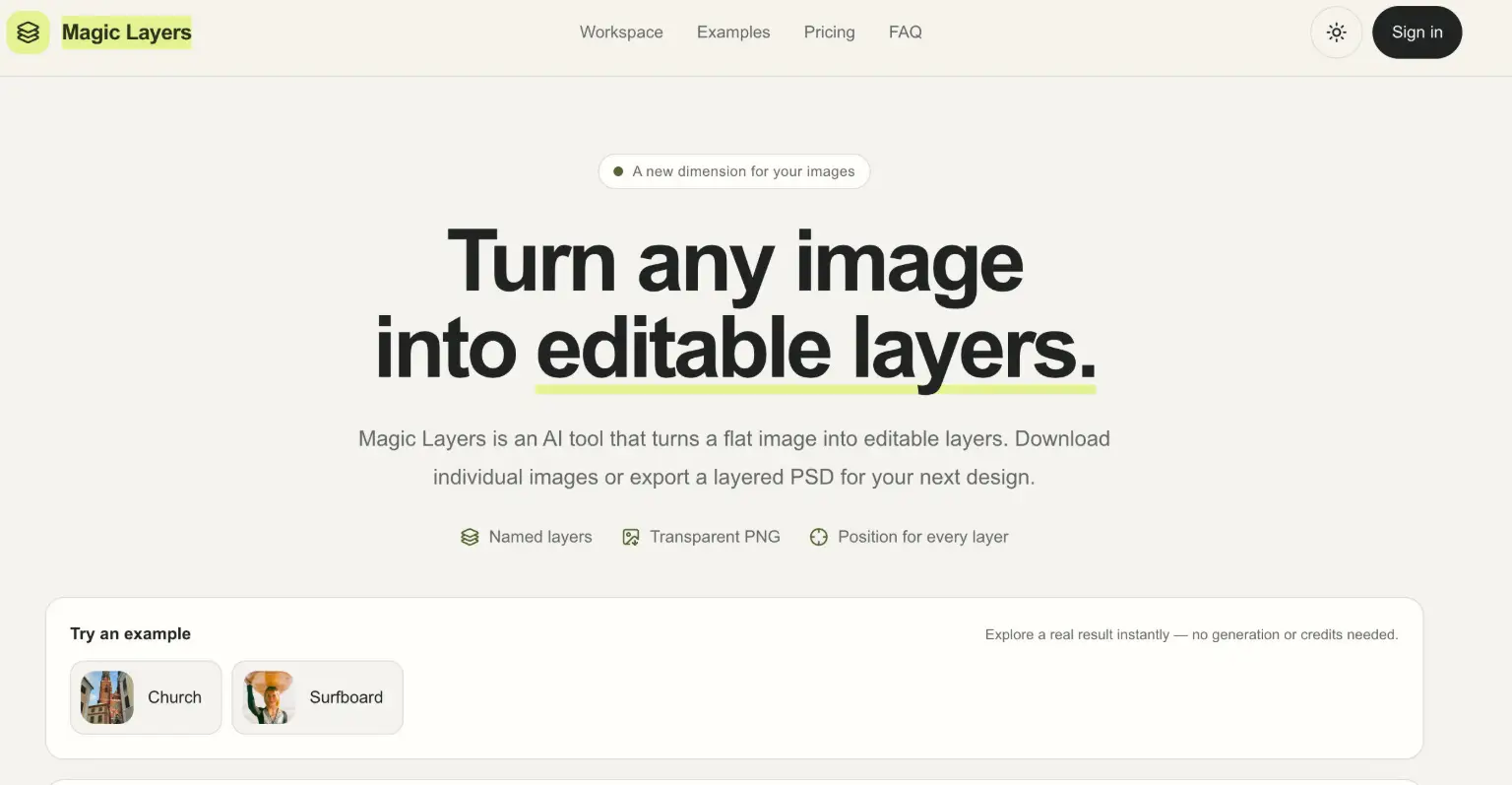
Magic Layers is an AI tool that splits a flat PNG or JPEG into named, transparent layers and exports them as a layered PSD.

Overview

Magic Layers is an AI tool that turns a single flat image into editable layers. You upload one PNG or JPEG, and it separates the major visual elements โ€” background, subject, text, and decorations โ€” into individual transparent images, so a finished visual can be reworked without the original project file.

Key Features

  • Transparent PNG layers: Each separated element comes back as a PNG with a clean alpha channel, ready to use in Photoshop, Figma, Canva, slide decks, or game engines.
  • Named and described layers: The AI labels every layer it finds, such as "Gold circle" or "Headline," so you know what a file contains before opening it.
  • Position and stacking order: Every layer keeps its detected position and order, and you can highlight where it sits in the original image.
  • Guided separation: Describe what you want back โ€” every person, just the clothes, the headline โ€” and choose a target of 2 to 15 images per job.
  • Layered PSD export: Export generated results as a layered PSD or download individual layers; PSD export uses existing results without extra credits.
  • More than background removal: Instead of one cutout, every major element is split apart, so text, subjects, and decorations can each be moved, replaced, or restyled.

Typical Use Cases

  • Marketing creative variations: Split a finished campaign visual into background, headline, product, and badges, then test new copy and layouts without the lost source file.
  • Social posts and thumbnails: Recompose one thumbnail for vertical stories, square posts, and wide video covers instead of masking the subject by hand each time.
  • Presentation assets: Pull charts, icons, labels, and shapes out of a flat slide screenshot and rebuild it as an editable composition.
  • E-commerce imagery: Separate the product, price label, and background surface to restage a shot for a new placement or marketplace.

How It Works

  1. Upload a PNG or JPEG; large images are resized automatically.
  2. Choose a target of 2โ€“15 images and optionally describe the split, then submit the task.
  3. Follow progress in My tasks; each account runs one task at a time.
  4. When a task completes, preview individual layers, download them, or export a layered PSD.

Input must be at least 512ร—512 px and up to 10 MB. Each output image costs 2 credits, including the base image, and you are billed only for images actually returned; failed jobs are never charged. Credits are available through one-time packs or monthly plans, and they do not expire.

Who It's For

Magic Layers suits designers, marketers, and content creators who need to make a finished image editable again โ€” for example when the original project file is unavailable. It is also useful for game and UI prototyping, where flattened concept art and mockups can become separate characters, panels, and props.

Magic Layers gives teams a practical way to reopen finished visuals as named, positioned layers, making it most valuable to designers and marketers who need flexible, editable image assets.

Explore Similar Tools

Codehype is a launch platform where founders list their SaaS, AI tools, and startups for free and get discovered across Google, AI search, and LLMs.

Upload any photo and let AI transform every face into the viral Kirkify look, then download and share the result in seconds.

Inngest adds durable functions to your existing code so background jobs, event-driven workflows, and AI agents retry, recover, and stay observable without extra infrastructure.

SpriteCook turns text prompts into game-ready pixel art characters, props, tilesets, and animations with consistent style and engine-ready exports.

Youmind is an AI studio that helps you collect inspiration, build understanding through questions, and turn ideas into articles, slides, images, videos, and webpages.

A tutorial blog that walks through AI photo editing and viral AI video editing prompts and effects for social media creators.