Promotional spot · Feature your product at the top bar.Get spotlight

NaturalReader

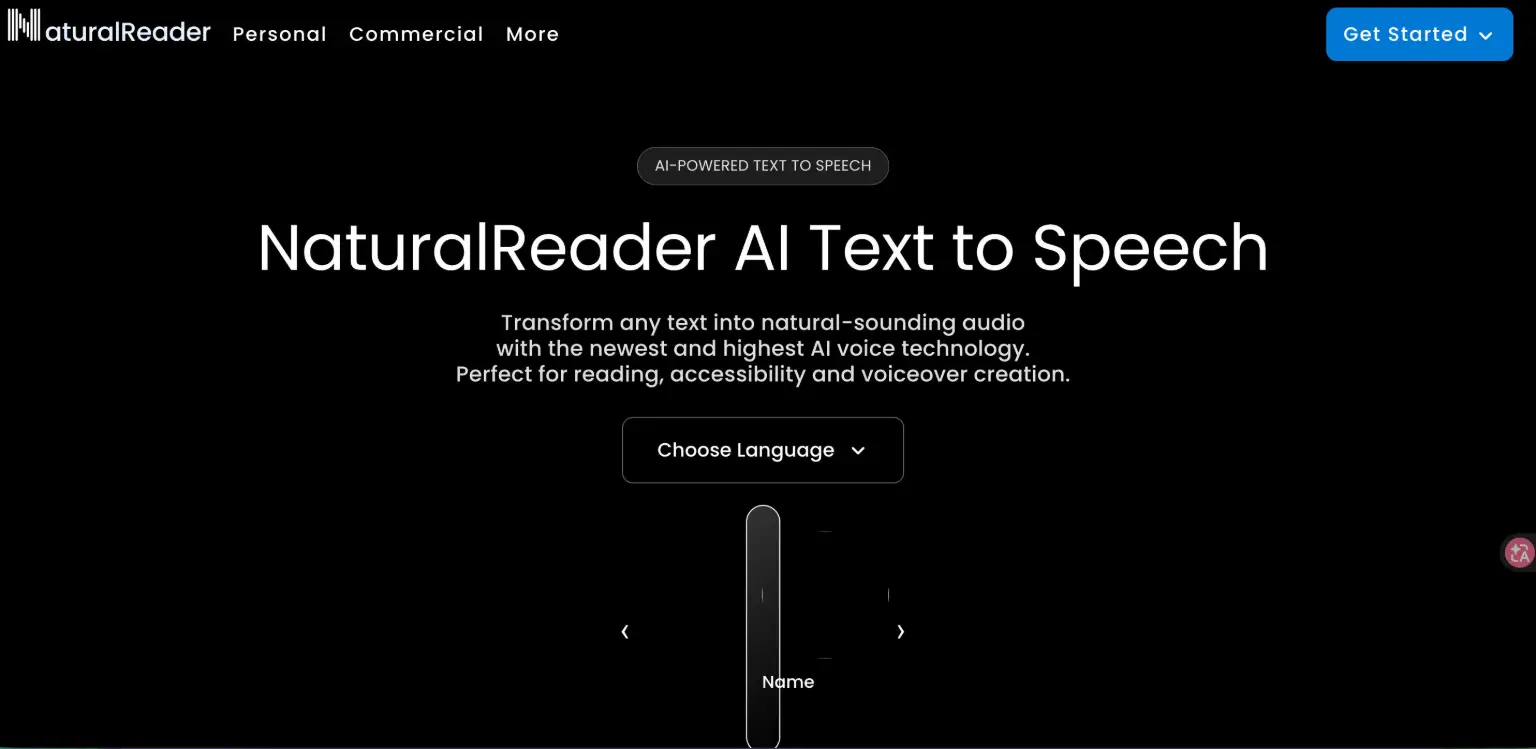
NaturalReader converts text, PDFs, images, and web pages into natural-sounding audio with AI voices for reading, accessibility, and voiceover work.

Overview

NaturalReader is an AI-powered text to speech tool that transforms text, PDFs, images, web pages, and physical books into natural-sounding audio. It addresses the need to listen to written material rather than read it, whether for personal reading, accessibility, or creating voiceover audio.

Key Features

  • AI voices trained on large language models produce lifelike speech, with content-aware voices that adjust delivery to match the tone of the text.
  • Multilingual support covering over 90 languages, with adjustable accent and delivery.
  • Voice cloning lets you record or upload your voice to create a custom multilingual AI voice.
  • Voice Design customizes delivery, tone, emotion, and accent of HD voices via a prompt or preset styles such as Audiobook, E-learning, Conversational, and Soft.
  • AI study and reading tools including AI Podcast (turn documents into podcast episodes), AI Recap (concise summaries), AI Screenshot (analyze captured text, equations, tables, or graphs), AI Chat (ask questions about a document), and AI Quizzes.
  • Flexible formats and output, including PDFs, Word docs, ePub, web pages, OCR camera scanning of physical books, MP3 export, and an immersive reader with highlighted text.

Typical Use Cases

  • Personal reading on the go: Convert documents, web pages, or scanned books into audio and continue listening across devices during a commute or other activities.
  • Commercial voiceover production: Turn a written script into voiceover audio for videos, eLearning, training, podcasts, ads, social media, and audiobooks using multilingual, content-aware voices.
  • Studying and learning: Generate recaps, practice quizzes, and document Q&A, or analyze screenshots of confusing material to support comprehension.
  • Educational accessibility: Schools can manage students, teachers, and classrooms, share a document library, and use accessibility features like closed captions, dyslexia font, and hotkey controls.

How It Works

  1. Provide text by pasting content, opening a document or web page, or scanning a physical book with the camera.
  2. Choose a voice from the voice library or customize one with Voice Design or voice cloning.
  3. Listen in the web app, mobile app, or Chrome extension, or use AI tools such as Podcast, Recap, or Chat on the document.
  4. Export audio to MP3 for offline listening when needed.

Who It's For

NaturalReader suits individuals who want to listen to documents and web content, students and educators who need accessible reading and study aids, and commercial creators producing voiceovers for videos, training, podcasts, and audiobooks. Its plan structure separates personal, commercial, and EDU use.

FAQ

What plans does NaturalReader offer?

It offers Personal, Commercial, and EDU plans, plus a free forever plan with no credit card required.

What file types can NaturalReader read?

It supports PDFs, Word docs, ePub, web pages, and more, and can scan physical books and documents with its OCR camera scanner.

Can I create my own AI voice?

Yes. Voice Cloning lets you upload or record your voice to create a custom multilingual AI voice.

Which apps are available?

NaturalReader is available as a web app, iOS and Android mobile apps, and a Chrome extension.

NaturalReader makes written content listenable and voiceover production more efficient, serving individual readers, students, educators, and commercial creators alike.

Explore Similar Tools

Codehype is a launch platform where founders list their SaaS, AI tools, and startups for free and get discovered across Google, AI search, and LLMs.

Paste two lists or drag in files to instantly see what is unique to each list, what they share, and the combined set.

Upload any photo and let AI transform every face into the viral Kirkify look, then download and share the result in seconds.

Inngest adds durable functions to your existing code so background jobs, event-driven workflows, and AI agents retry, recover, and stay observable without extra infrastructure.

SpriteCook turns text prompts into game-ready pixel art characters, props, tilesets, and animations with consistent style and engine-ready exports.

Tabisto turns every Chrome new tab into a calm dashboard for visual bookmarks, notes, reminders, workspaces and saved tab sessions.