Promotional spot · Feature your product at the top bar.Get spotlight

PhotoRoom

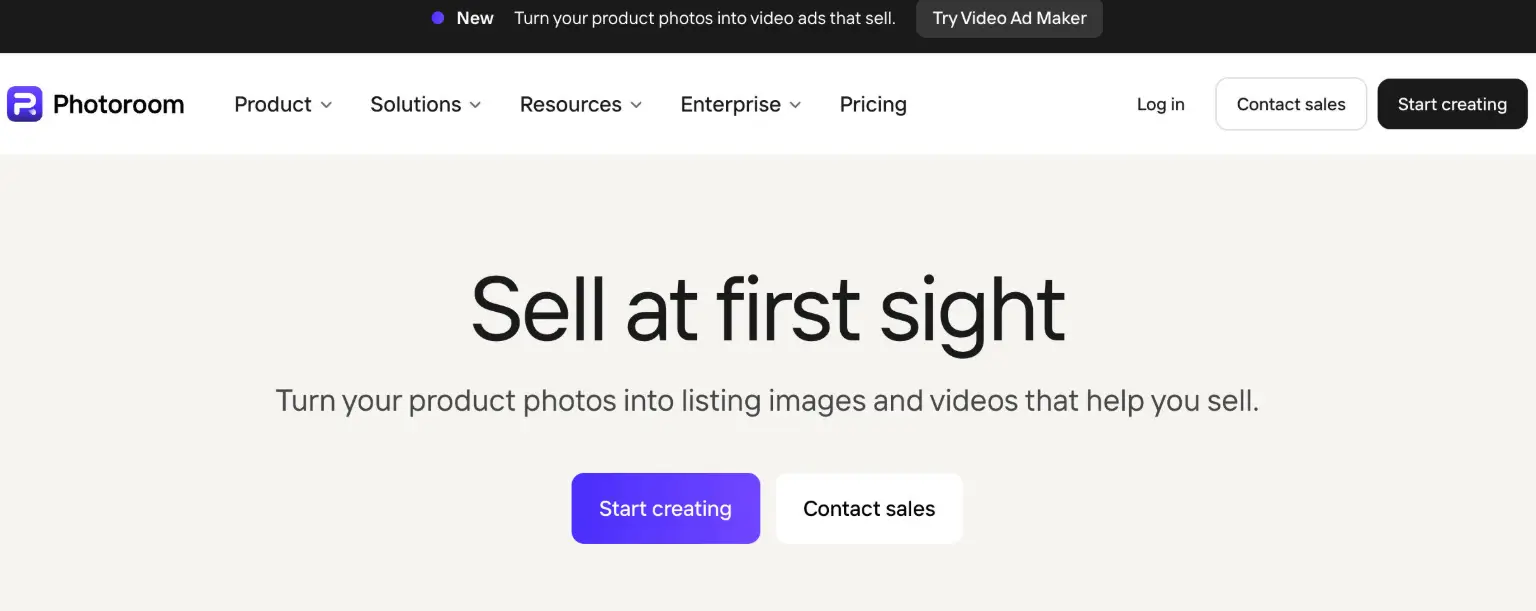
PhotoRoom is an AI visual editor that turns product photos into listing images and video ads for e-commerce sellers and brands.

Overview

PhotoRoom is an AI-powered visual editor built for e-commerce, designed to turn ordinary product photos into listing images and video ads that help products sell. Rather than assembling a studio setup or juggling separate editing tools, businesses can upload a product photo and use PhotoRoom's AI features to remove backgrounds, generate studio-quality visuals, add natural shadows, and produce video ads in the formats marketplaces and social channels expect.

Key Features

  • AI Product Photography: Upload a product photo and PhotoRoom generates studio-quality product visuals without a physical studio. This lets sellers create polished listing imagery quickly instead of scheduling and paying for traditional product shoots.
  • Background Remover: PhotoRoom's background remover produces precise cutouts for clean product listings, white backgrounds, or transparent exports. It is the entry point for most workflows: remove the background first, then place the product into a new scene or format.
  • Brand Library and Templates: Save brand colors, logos, fonts, and layouts so every image across every channel stays consistent. Brand rules such as backgrounds, padding, colors, logos, and formats are applied automatically, with role-based access for teams.
  • Batch Processing and Automation: Edit hundreds or thousands of images at once by choosing parameters and applying them across a catalog. Batch jobs run through the web app or the API, with automated quality checks that apply brand rules on upload rather than requiring manual review.
  • Video Ad Maker: Turn product photos into video ads with actors, music, and voiceover, in formats suited to Meta, TikTok, and YouTube. This extends a single product image into social-ready advertising creative.
  • Supporting Editing Tools: Additional tools include AI Shadow for natural-looking shadows, Recolor for instant product color changes, Product Staging for dropping products into lifestyle and seasonal scenes, and Instant Resize for adapting one image to every format, from Instagram to Amazon and Shopify.

Typical Use Cases

  • Growing brands producing product photos and ads: A small team starts with basic product photos and uses PhotoRoom to remove backgrounds, create lifestyle shots, and turn them into video ads. The result is a set of on-brand listing images and social creative produced in minutes rather than through a full production cycle.
  • Scaling businesses batch-editing a catalog: A seller with many products uploads images in bulk, applies consistent brand rules across the catalog, publishes directly to Shopify and marketplace feeds, and exports marketplace-ready visuals. Automated checks replace hours of manual review.
  • Enterprise teams running visual production at scale: Global teams with large catalogs use custom AI models trained on their products and brand rules, API access, and dedicated support. Inputs from PIM, DAM, API, seller, and supplier sources flow into one pipeline, and a single master image can be adapted to marketplace, DTC, resale, and delivery formats.
  • Marketplace and resale sellers: Sellers on marketplace platforms can quickly create high-quality product shots so their listings stand out, using background removal and staging tools to present items consistently.

How It Works

  1. Start with a product photo and upload it to the PhotoRoom web app, mobile app, or API.
  2. Remove the background or apply AI product photography to generate a studio-quality visual, then refine with tools such as AI Shadow, Recolor, or Product Staging.
  3. Apply your Brand Library rules so colors, logos, layouts, and formats stay consistent automatically.
  4. Resize the result for each channel, or run batch edits across an entire catalog for larger volumes.
  5. Export listing-ready images, publish to Shopify and marketplace feeds, or convert the visuals into video ads.

Who It's For

PhotoRoom serves businesses that sell products online and need consistent, high-quality visuals without a traditional studio workflow. That includes solo entrepreneurs and growing brands creating their first product listings and social ads, scaling businesses that batch-edit catalogs and publish to Shopify and marketplaces, and enterprise teams running visual production at catalog scale with custom models, API access, and dedicated support. Marketing managers, digital project managers, and marketplace or resale sellers who need product imagery to look accurate and on brand across every channel are also well served.

FAQ

Is PhotoRoom free to use?

PhotoRoom offers a free starting option for growing brands, with paid tiers for scaling businesses and enterprise teams. Enterprise plans add custom AI models, dedicated capacity, custom endpoints, and SLA-backed uptime. Contacting sales is recommended for enterprise requirements.

What can I create with PhotoRoom?

You can create product listing images, studio-quality AI product photography, background-removed cutouts, lifestyle and seasonal product scenes, recolored product variants, and video ads with actors, music, and voiceover for platforms such as Meta, TikTok, and YouTube.

Does PhotoRoom integrate with Shopify and marketplaces?

Yes. PhotoRoom supports publishing on-brand to Shopify and marketplace feeds, and offers native PIM, DAM, and cloud connectors across API, web, and mobile. An image API allows automated image production at scale.

How does PhotoRoom handle brand consistency?

The Brand Library locks in your colors, logos, layouts, backgrounds, padding, and formats, applying them automatically to every image. Role-based access controls who can change what, and brand rules are applied on upload so quality checks run automatically.

Is PhotoRoom secure for business use?

PhotoRoom states it is SOC 2 Type 2 audited and GDPR compliant, built on GCP, AWS, and Cloudflare with redundancy and fault tolerance. It also describes responsible AI practices including regular audits for bias, fairness, and transparency.

PhotoRoom fits teams that need accurate, on-brand product visuals at volume, and delivers the most value to e-commerce sellers moving from individual edits to automated, catalog-scale image and video production.

Explore Similar Tools

Codehype is a launch platform where founders list their SaaS, AI tools, and startups for free and get discovered across Google, AI search, and LLMs.

Upload any photo and let AI transform every face into the viral Kirkify look, then download and share the result in seconds.

Inngest adds durable functions to your existing code so background jobs, event-driven workflows, and AI agents retry, recover, and stay observable without extra infrastructure.

SpriteCook turns text prompts into game-ready pixel art characters, props, tilesets, and animations with consistent style and engine-ready exports.

Youmind is an AI studio that helps you collect inspiration, build understanding through questions, and turn ideas into articles, slides, images, videos, and webpages.

A tutorial blog that walks through AI photo editing and viral AI video editing prompts and effects for social media creators.