Promotional spot · Feature your product at the top bar.Get spotlight

Sharda Tools

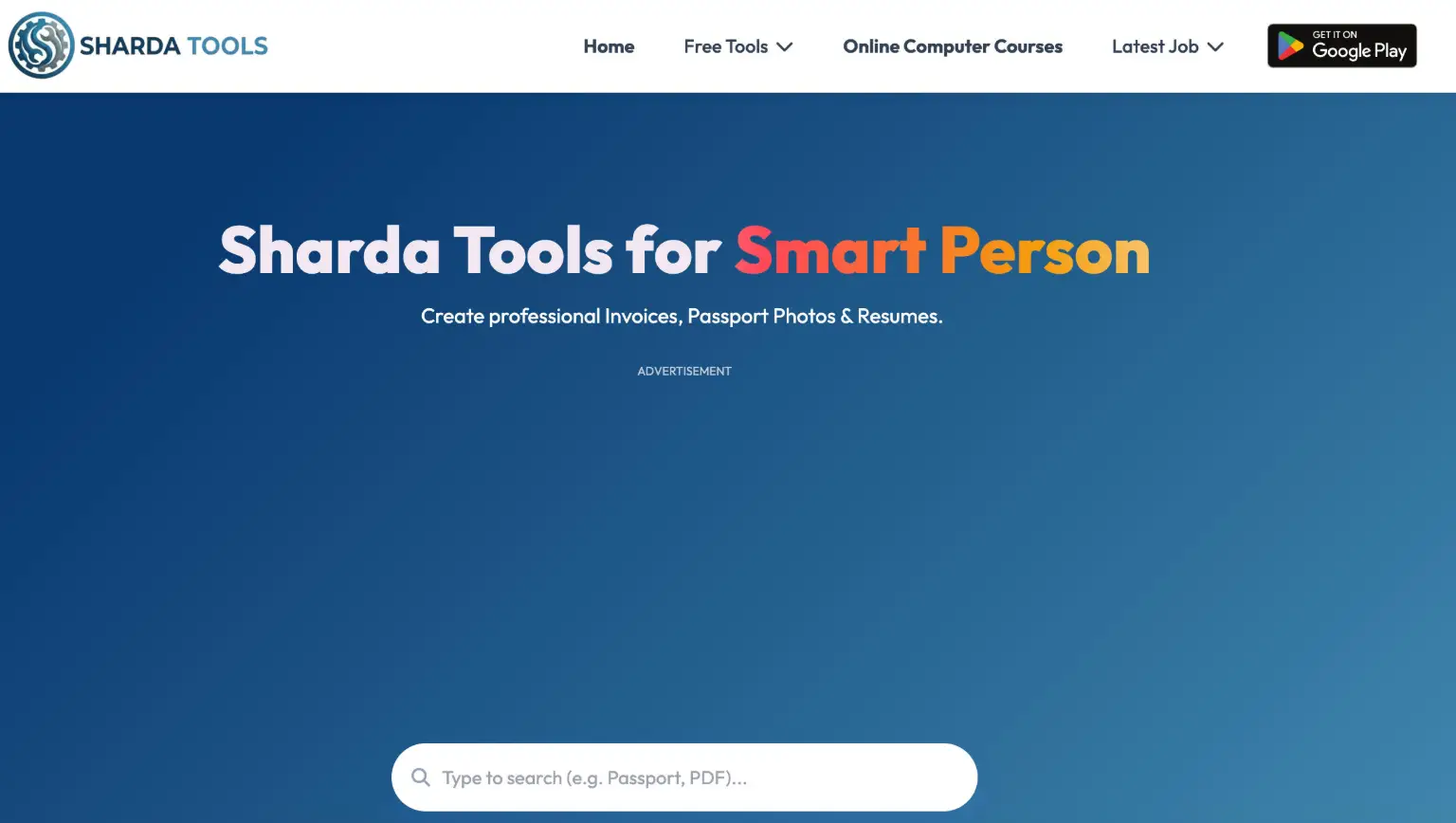
Sharda Tools is a free browser-based collection of PDF, image, resume, invoice, typing, and utility tools that process files on your device.

Overview

Sharda Tools is a free online collection of web utilities for handling documents, images, resumes, invoices, and everyday portal tasks. Built on the Sharda educational ecosystem, it brings tools that are often paid elsewhere—PDF editing, image conversion, resume building, and more—directly into the browser at no cost.

Key Features

  • Document and PDF tools: Edit PDFs, compress files, merge multiple documents, convert PDF to JPG, PNG, or text, and generate professional GST and business invoices.
  • Image and photo tools: Create printable passport-size photos on A4, A5, and 4x6 paper, remove backgrounds, compress images, convert between PNG, JPG, WEBP, and GIF, and inject Meta Smart Glasses EXIF data to unlock the Instagram 3D Spin effect.
  • Career tools: Build ATS-friendly resumes for professionals and freshers, create traditional marriage biodatas, and calculate exact age from a date of birth.
  • AI and creative extras: Download trending AI image and banner prompts, generate animated video invites for weddings and other events, and create custom QR codes.
  • Learning and practice: Typing practice in English, Hindi, Gujarati, Marathi, and Urdu, plus a 100-level computer lab practice covering mouse clicks, file operations, copy-paste, and keyboard shortcuts.
  • Portal links: Quick access to official services such as Aadhaar (UIDAI), PAN card, Voter ID correction (NVSP), Ayushman Bharat, driving licence, and RC services.

Typical Use Cases

  • A job seeker uses the resume maker to produce an ATS-friendly CV, then compresses or converts it to PDF for submission.
  • A student practices typing or works through the computer lab levels to build basic digital skills.
  • A small business owner generates a GST invoice or a marriage biodata without installing software.
  • Someone preparing a passport application creates a printable passport-size photo and crops it to the required layout.

How It Works

  1. Open the tool you need from the Sharda Tools homepage.
  2. Add or enter your content—a file, a date of birth, or form details.
  3. Use the on-page controls to edit, convert, compress, or generate the output.
  4. Download the finished file directly from your browser.

Who It's For

Sharda Tools suits students, job seekers, small business owners, and anyone who needs quick document, image, or form-related tasks done without installing software or paying for subscriptions. The typing and computer practice sections make it especially useful for learners building foundational digital skills.

FAQ

Are the tools free to use?

Yes. The site states that all tools are completely free, with no hidden fees, subscriptions, or premium lock-outs.

Do I need to install anything?

No installation is required. All tools run in your web browser on mobile, tablet, or desktop, though you can optionally install a shortcut to your home screen.

Will there be a watermark on my files?

No. Sharda Tools states that it does not add watermarks to generated invoices, resumes, or edited PDFs and images.

Sharda Tools gives students, job seekers, and small businesses a single free hub for everyday document, image, and form tasks.
<<>>

Explore Similar Tools

Codehype is a launch platform where founders list their SaaS, AI tools, and startups for free and get discovered across Google, AI search, and LLMs.

Get today's LinkedIn Pinpoint answer with clues, hints, and explanations, plus a searchable archive of past solutions to improve your puzzle skills.

Paste two lists or drag in files to instantly see what is unique to each list, what they share, and the combined set.

Tabisto turns every Chrome new tab into a calm dashboard for visual bookmarks, notes, reminders, workspaces and saved tab sessions.

Youmind is an AI studio that helps you collect inspiration, build understanding through questions, and turn ideas into articles, slides, images, videos, and webpages.

Personalize your iPhone and Android home screen with aesthetic widgets, custom app icons, wallpapers, and beautifully designed themes.