Promotional spot · Feature your product at the top bar.Get spotlight

Unlucid AI

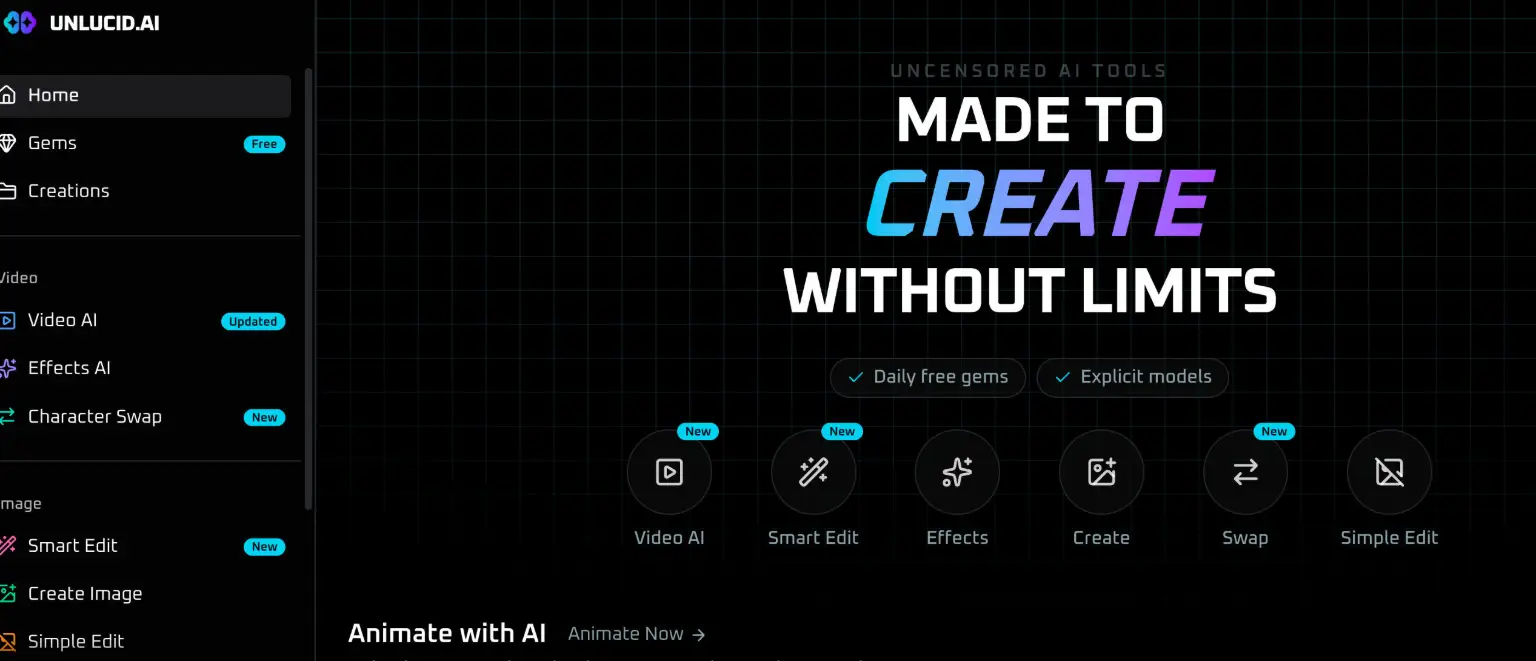
Generate AI videos and images from text or photos, apply one-click effects, and edit images by describing changes in plain language.

Overview

Unlucid AI is a generative media tool for creating AI videos and images from text prompts or uploaded photos, along with quick editing and effect features. It helps users produce short animated clips and detailed visuals without switching between multiple design programs.

Key Features

  • Video AI: Upload an image, describe the motion you want, and generate a short AI video.
  • 20+ Effects: Turn a still image into an effect-driven AI video using presets such as Dance, 360, Microwave, Squish, Flying, and Muscles.
  • Create Image: Generate detailed images from a text prompt.
  • Smart Edit: Describe a change in plain language and let AI edit your image, with no manual tools required.
  • Character Swap: Place your character into any video, with examples including Dance, Runway Walk, Rooftop Orbit, Selfie Vlog, Lip-Sync, and Singing.
  • Simple Edit: A separate image-editing option listed alongside Smart Edit and Create Image.

Typical Use Cases

  • Animating a photo: Upload a still image, describe the intended motion, and receive a short AI video clip.
  • Applying visual effects: Choose from the effects library to convert a single image into a stylized video, such as a dance or 360 effect.
  • Generating original imagery: Write a text prompt to produce a detailed image for a creative project.
  • Editing without tools: Describe the desired change to adjust an existing image through Smart Edit.
  • Character placement: Use Character Swap to insert a character into a video scenario like a runway walk or lip-sync.

How It Works

  1. Choose a tool from the Video or Image sections, such as Video AI, Create Image, Smart Edit, or Character Swap.
  2. Upload an image or enter a text prompt describing what you want to create.
  3. For video, describe the motion; for Smart Edit, describe the change to make.
  4. Generate the result and review it in your Creations.

Who It's For

Unlucid AI suits creators who want to produce short AI videos and images without deep editing expertise. The prompt-based image creation, describe-a-change editing, and preset effects make it accessible to users focused on quick visual output, while the Character Swap feature supports those experimenting with placing characters into video scenes.

FAQ

Do I need editing tools to change an image?

No. Smart Edit lets you describe a change and have AI apply it, without using manual tools.

Can I animate an image I already have?

Yes. In Video AI you upload an image, describe the motion, and get a short AI video.

What kinds of effects are available?

The effects library includes options such as Dance, 360, Microwave, Squish, Flying, and Muscles, with more than 20 effects listed.

Unlucid AI gives creators a single place to generate and animate visuals, best suited to those who want fast AI-driven video and image results from simple prompts.
<<>>

Explore Similar Tools

Codehype is a launch platform where founders list their SaaS, AI tools, and startups for free and get discovered across Google, AI search, and LLMs.

Get today's LinkedIn Pinpoint answer with clues, hints, and explanations, plus a searchable archive of past solutions to improve your puzzle skills.

Upload any photo and let AI transform every face into the viral Kirkify look, then download and share the result in seconds.

Inngest adds durable functions to your existing code so background jobs, event-driven workflows, and AI agents retry, recover, and stay observable without extra infrastructure.

SpriteCook turns text prompts into game-ready pixel art characters, props, tilesets, and animations with consistent style and engine-ready exports.

An independent 66-question Undertale-inspired quiz that scores seven soul virtues separately and creates a shareable result card.